
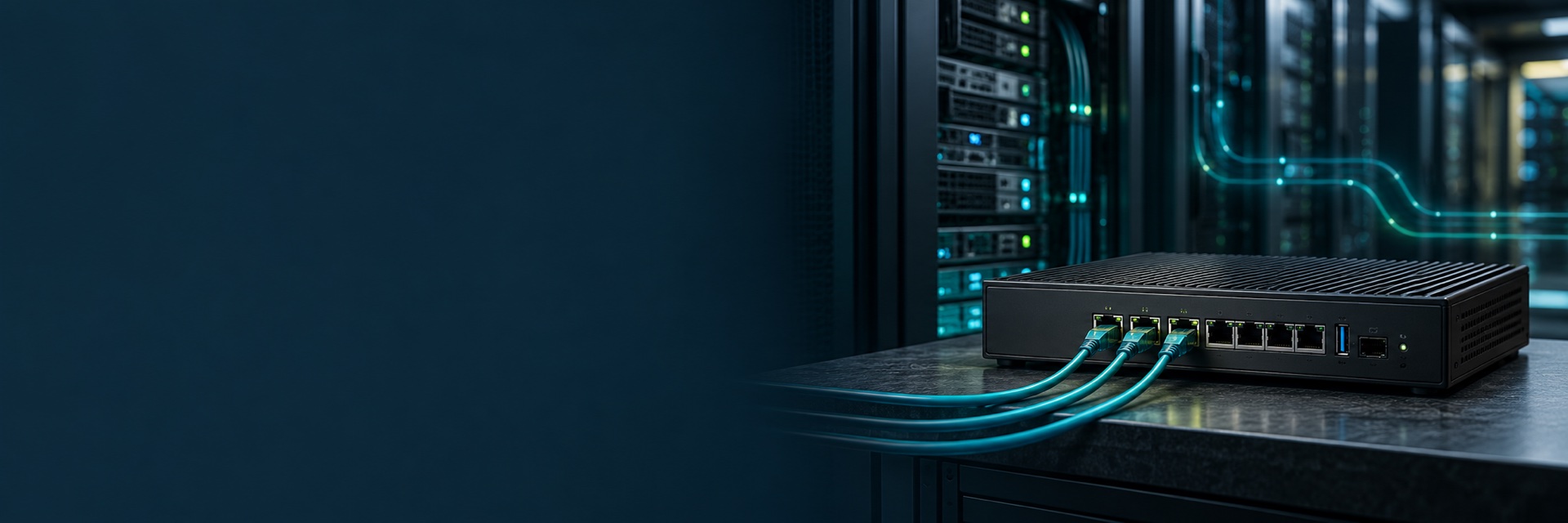
Choose the platform around the workload
AISTONE supplier listings include network appliances intended for use with pfSense software. Select the processor, Intel network controller, memory, storage and interfaces required by your deployment, then confirm support for your exact software release and hardware configuration.
Three hardware starting points
| Platform | Selection focus |
|---|---|
| Desktop multi-LAN appliance | RJ45 port count, 1GbE or 2.5GbE interfaces, storage and cooling |
| 1U rackmount appliance | Rack installation, console, expansion, power options and service access |
| SFP+ network appliance | Optical modules, interface configuration, PCIe bandwidth and measured workload performance |
Check compatibility before ordering
- Specify the software edition and release version.
- Confirm the CPU, NIC controller and exact ordered configuration.
- Check installer boot mode, storage and required drivers.
- Evaluate routing, NAT, VPN and IDS/IPS separately for the features you will enable.
- Confirm the installation, licensing and support responsibilities for your deployment.
Does a 10G port mean 10Gbps firewall performance?
A 10GbE interface describes link capability. Firewall and VPN throughput depend on processor, software, packet size, rules, encryption and enabled services. Request or perform a test that matches your workload rather than treating interface speed as a benchmark.
pfSense is a trademark of its respective owner. AISTONE supplies third-party hardware. See the official hardware guidance for software requirements.